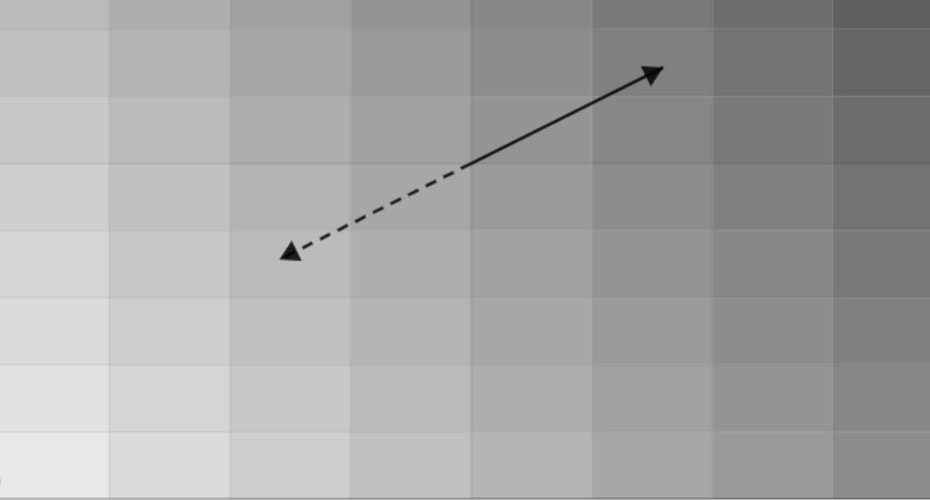
This online 2D slope calculator helps engineers, surveyors, and contractors quickly compute surface grades in two directions and generate a detailed elevation grid. The tool calculates slopes along X and Y axes, total slope magnitude, direction of steepest gradient, and produces a visual height map with a downloadable grid table.
It is designed for fast field checks, preliminary design analysis, and technical validation without the need for specialized software.
How to Use the 2D Slope Calculator
1. Enter the distances
- DX (m): horizontal distance along the X direction
- DY (m): horizontal distance along the Y direction
2. Enter the height differences
- ΔhX (cm): elevation change across DX
- ΔhY (cm): elevation change across DY
Use positive values for an uphill change in the +X / +Y direction, and negative values for downhill.
3. Choose the grid size
- Grid (N×N) controls how many points are generated in the height table and the map (for example, 10×10).
4. Set the starting elevation
- z0 (cm) at (0,0) is the base elevation at the origin point.
All grid values are generated relative to this starting elevation.
5. Click Calculate
The tool instantly outputs:
- Slope X and Slope Y (percent grade)
- Total Slope (combined magnitude)
- Direction (°) of the steepest gradient
- Angle X, Angle Y, and Vector Angle (degrees and DMS)
5. Review the outputs
- The height grid table shows computed elevations at each grid node.
- The canvas map visualizes relative height differences across the surface.
6. Export results
- Click CSV to download the generated height grid for reporting, sharing, or further analysis.
Notes:
- Units are fixed: DX/DY in meters, ΔhX/ΔhY and z0 in centimeters.
- The direction value is reported as an angle where 0° is +X and 90° is +Y.
Typical use cases
Civil engineering and site planning
- Checking surface grades before earthworks.
- Verifying drainage slopes for roads, parking lots, and platforms.
- Evaluating terrain leveling requirements.
Surveying and geodesy
- Converting measured height differences into slope values.
- Generating elevation grids from leveling data.
- Preparing quick slope analysis for reports.
Construction and landscaping
- Designing water runoff directions.
- Planning foundation grading.
- Verifying slope compliance with building standards.
Agriculture and land management
- Planning field leveling and drainage layouts.
- Checking irrigation slope requirements.
- Evaluating terrain gradients for machinery operation.